
Most About pages don’t convert because they try to impress.
A converting About page does something simpler: it makes visitors feel safe. It reduces uncertainty. It answers the silent questions:
- Are you legit?
- Do you understand my problem?
- What happens if I contact you?
- How does this work?
If you don’t have testimonials yet, your About page becomes even more important. (This ties closely with: No Testimonials Yet? 9 Ways to Build Website Trust Anyway)
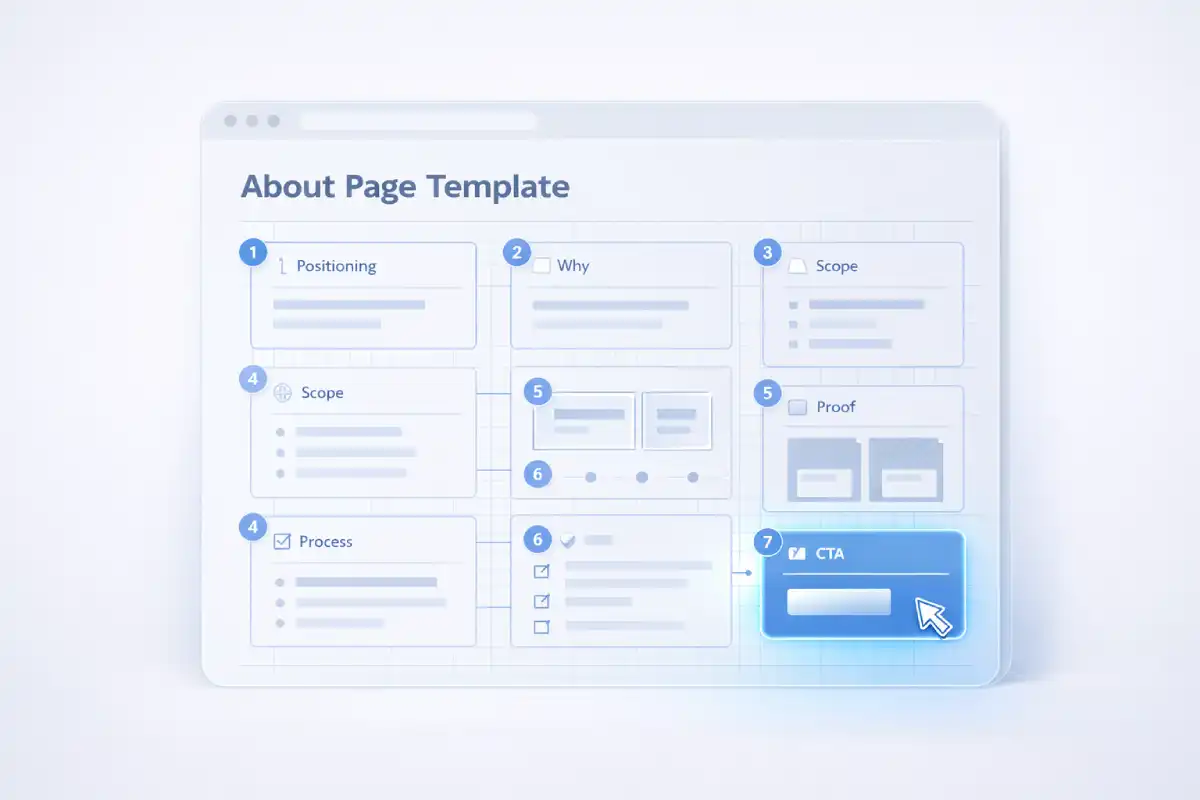
The 7-block About page template
Copy-paste these sections in order. Keep it short. Keep it specific.
Block 1) One-line positioning (clarity wins)
This is the first thing people should understand. Use one sentence:
I help [audience] get [result] by [method], without [pain].Example:
I help small businesses fix slow, broken websites, so they load fast, work properly, and look trustworthy.If your visitors can’t explain what you do in 5 seconds, you’ll lose them. Use this quick test: The 5-Second Website Trust Test.
Block 2) Why you do this (human, not dramatic)
Keep this to 2–4 sentences. The goal is relatability, not a life story.
I’ve seen too many good businesses lose leads because their website feels unclear, slow, or untrustworthy.
I focus on clean fixes that improve trust and performance, without unnecessary rebuilds.
Tip: avoid “I’m passionate about…” unless you follow it with something concrete.
Block 3) What you help with (a simple scope list)
Visitors don’t want your full resume. They want to know if you solve their problem.
Use 4–7 bullets max:
- Speed & performance fixes (mobile-first)
- Broken layouts / CSS issues
- Clarity & conversion improvements (copy + hierarchy)
- Forms that work properly (and don’t go to spam)
- Trust-focused UI cleanup (without redesign hype)
If you offer a “one primary action” type homepage, this helps: One Screen Offer.
Block 4) Your process (predictability builds trust)
Most people fear surprises. A clear process lowers perceived risk.
Use 3–5 steps:
- Audit — identify trust + performance leaks
- Plan — prioritize fixes + timeline
- Implement — apply fixes with clean, minimal changes
- QA — test on mobile + browsers, verify forms
- Handover — notes + next steps
If you want a detailed “what I check” list, link it here: Free Quick Check: What I Check.
Block 5) Proof artifacts (without testimonials)
When you don’t have testimonials yet, use “evidence” instead of “praise”.
Add one of these:
- Before/after screenshots (blur sensitive info)
- Mini breakdown: problem → fix → result
- Performance checks: weight reduction, Core Web Vitals improvements
- A short “what I changed” list
Example:
Recent fixes:
- Simplified the hero message for clarity
- Fixed mobile spacing and CTA visibility
- Reduced image weight and improved load speed
- Cleaned up CSS for maintainability
If you want to show performance thinking, link this: Speed Fix Checklist.
Block 6) Boundaries + FAQ (remove objections)
Boundaries are a trust signal. Add answers to common questions:
- How long does a typical fix take?
- How do revisions work?
- How do payments work?
- What access do you need (and how you handle it safely)?
- What happens after launch?
If you already have a full FAQ page, link it: Payment FAQ.
Block 7) A single clear CTA (don’t confuse people)
Your About page should end with one clear next step. Keep it simple:
Want a quick, practical review?
I’ll point out your top 3 trust leaks and what to fix first.Optional: see packages & pricing.
Quick “About page” self-audit (2 minutes)
- Can a stranger explain what you do in 5 seconds?
- Do you show a predictable process?
- Do you reduce risk with boundaries + FAQ?
- Do you show evidence (not just claims)?
- Is there one obvious next step?
If you fix these, your About page becomes a conversion asset, not a biography.
← Back to Affiq LogSupport Independent Work
If my work or articles help you, you can support my independent work here.
Support