Many business owners only think about their website when something breaks badly.
But in real life, most websites do not fail all at once. They slowly collect small issues: a form feels uncertain, a mobile section looks slightly off, an old service detail stays online too long, or the site becomes a little slower month by month.
On the surface, everything still looks “fine.” Underneath, trust and conversions may already be leaking. That is usually the point where monthly maintenance starts making sense.
What monthly website maintenance actually means
Monthly website maintenance does not mean rebuilding your entire website every few weeks.
It usually means checking the small but important things that quietly affect trust, lead flow, and overall reliability:
- making sure forms and contact paths still work,
- checking mobile layout and button behavior,
- spotting broken links or missing images,
- reviewing speed and front-end weight,
- updating outdated content before it becomes misleading.
In other words, maintenance is less about “changing everything” and more about preventing small problems from becoming expensive ones.
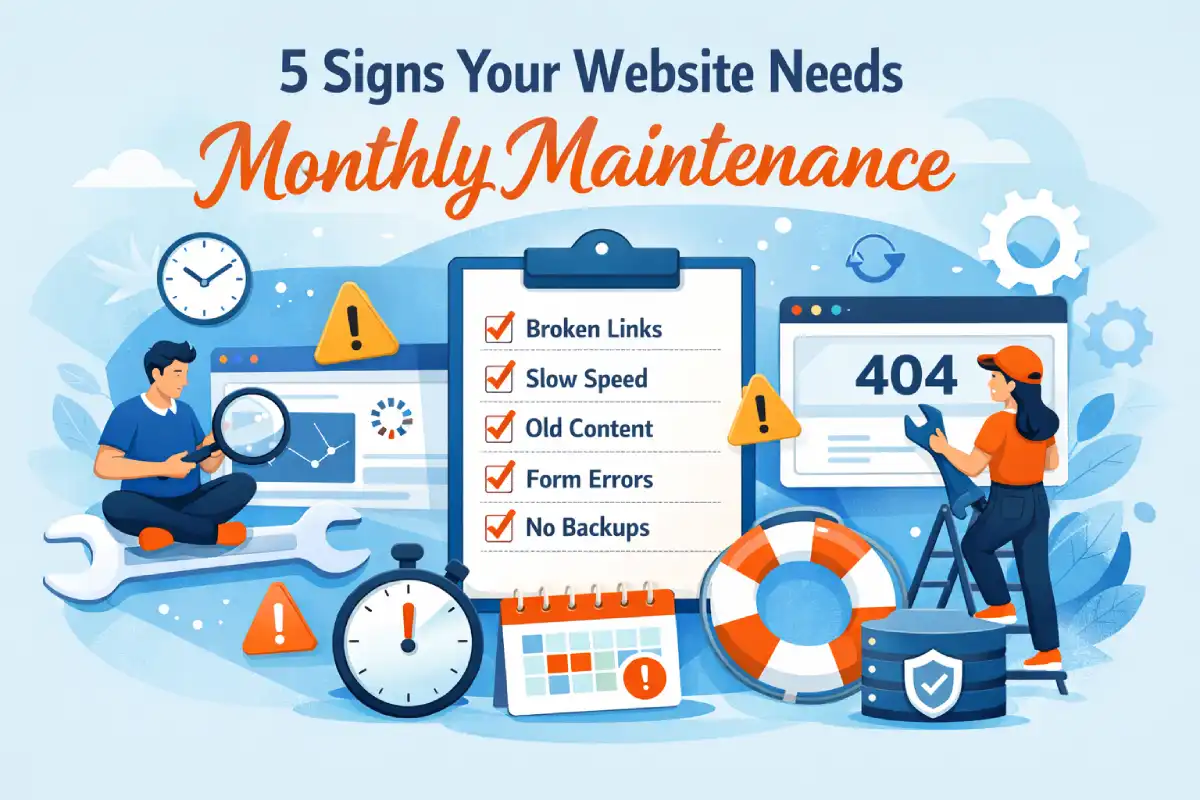
5 Signs Your Website Needs Monthly Maintenance
1) Small issues keep appearing
When the same tiny issues keep showing up, that is usually not random. It is a sign the website is no longer being checked consistently.
- Spacing looks slightly off on some sections
- A button style changes unexpectedly
- Text wrapping looks awkward on mobile
- A link goes nowhere
- One section feels more broken than the rest
None of these are dramatic on their own. Together, they slowly make a website feel neglected.
2) Your contact flow feels uncertain
A website can look good and still lose leads if the contact path feels fragile.
- The form works, but you are not fully sure submissions always arrive
- The CTA exists, but the next step feels unclear
- Email, WhatsApp, or inquiry options are inconsistent
- There is no routine testing of the real lead flow
When visitors sense uncertainty, many of them simply leave instead of asking questions.
Related: Why Contact Forms Go to Spam
3) The site is getting slower over time
Website speed rarely becomes bad overnight. It often declines gradually as more images, scripts, embeds, or edits are added over time.
- Pages feel heavier than before
- Hero images take longer to settle
- Animations or sections feel less smooth on mobile
- Third-party scripts quietly add weight
Even small speed drops can affect trust. Visitors may not say “this site is poorly maintained,” but that is often the feeling they walk away with.
Related: Why Your Website Feels Slow Even With Fast Internet
4) Content is starting to look outdated
Outdated content does more damage than many people expect. It makes the business look less active, less sharp, and sometimes less trustworthy.
- Old pricing is still visible
- Services changed, but the page did not
- Screenshots or examples no longer reflect current work
- Business details are no longer fully accurate
Visitors do not always complain about outdated content. They simply become less confident.
5) Nobody is actively checking what breaks
This is often the biggest sign of all. A website may be live, but no one is actually owning the routine care.
- No one tests forms regularly
- No one checks mobile layout after updates
- No one reviews broken links or silent front-end issues
- No one notices trust problems until leads already drop
If that sounds familiar, the website probably does not need a full redesign first. It needs reliable ongoing attention.
How many signs do you need before taking action?
If you notice only one small issue once in a while, that may not be serious.
But if you see two or three of the signs above, the website is probably already asking for maintenance. And if you see four or more, routine monthly care is usually the cheaper, safer option compared to waiting for a larger problem.
That is the real value of maintenance: not dramatic changes, but quiet prevention.
Want a second pair of eyes on your website?
If your website feels mostly okay, but something seems slightly off, that is usually the right time to check it. Small issues are easier to fix before they start affecting trust, inquiries, or overall performance.
Optional: see packages & pricing.
← Back to Affiq LogSupport Independent Work
If my work or articles help you, you can support my independent work here.
Support