
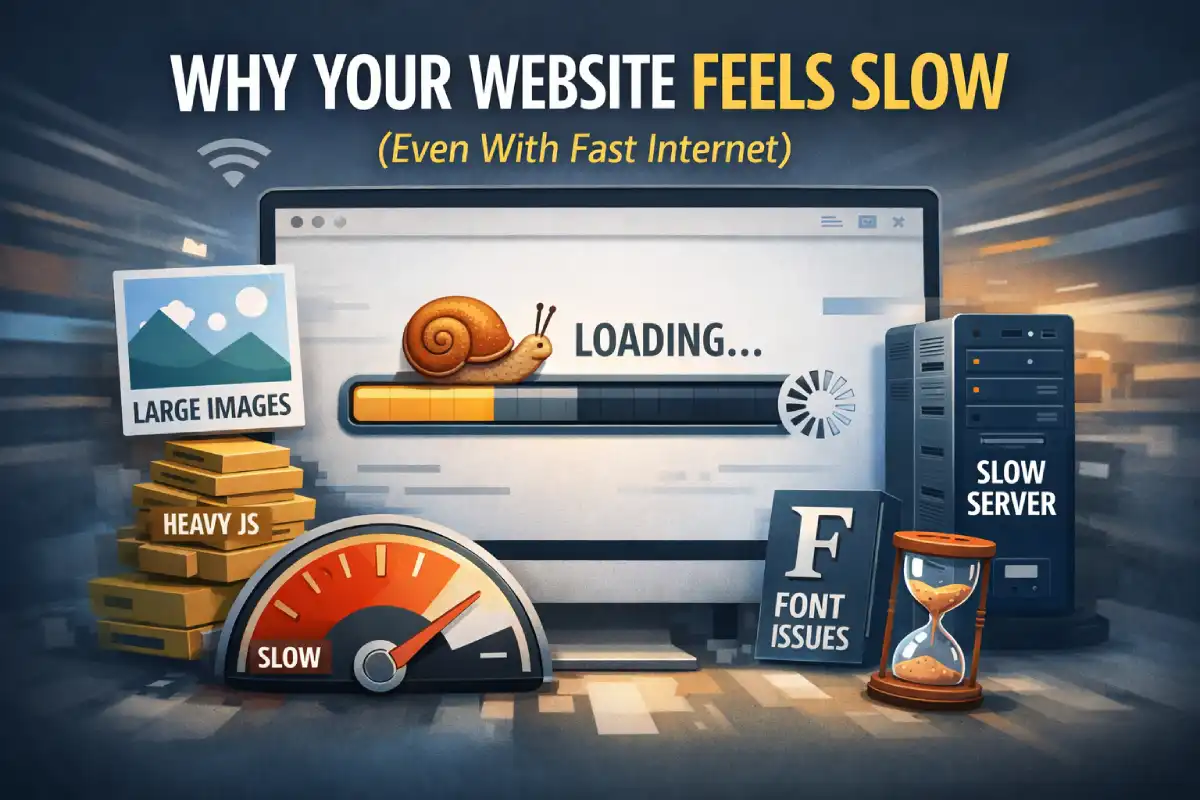
Ever opened a website on a fast connection… and it still feels slow?
That’s because speed is not just internet speed. A page can be “connected” fast but still render slowly.
What “slow” actually means
Most people don’t measure speed in seconds. They feel speed through:
- When the main content appears (first impression)
- When the page becomes usable (can I scroll/click?)
- Whether it stutters (jank = “this site is heavy”)
4 common reasons your site feels slow
1) Images are heavy (the #1 silent killer)
One large hero image can be bigger than your entire CSS + JS combined.
Fix: resize images to the real display size, export to WebP, and avoid uploading 3000px photos for a 900px layout.
2) Too much JavaScript on first load
Animations, sliders, multiple libraries, and big bundles can block the main thread.
Fix: load only what’s needed for the first screen. Defer the rest.
3) Fonts and icons block rendering
Custom fonts are beautiful, but they can delay text rendering (and cause layout shifts).
Fix: use fewer font weights, preload the primary font, and set a sane fallback stack.
4) Server time and caching (TTFB)
If the server is slow or caching is misconfigured, the browser waits before it can even start rendering.
Fix: enable proper caching for static assets and avoid heavy server work on every request.
A practical “no-drama” speed checklist
- Hero image: WebP, resized, ideally under 200–300KB
-
Images: add
loading="lazy"+decoding="async" - Fonts: keep weights minimal (2–3 max)
- JavaScript: remove what you don’t use, defer non-critical scripts
- CSS: avoid massive unused frameworks for small sites
- Requests: fewer third-party widgets = faster page
- Cache: long cache for images/CSS/JS
The fastest website is usually the simplest
Most “speed wins” come from removing weight, not adding complexity.
If you want a quick audit, I usually start with: hero image size → JS weight → fonts → caching.
That’s the boring truth… and it works.