
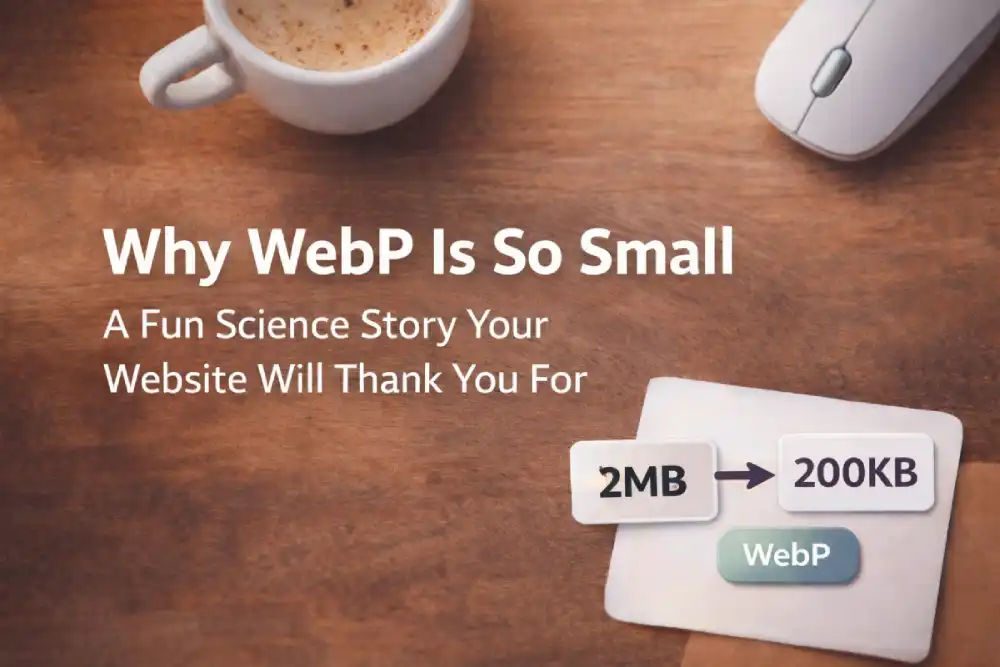
Yesterday I had a tiny mission: make my blog images feel fast without looking cheap. Then I met the classic mystery:
“How can two images look almost identical… but one is 2MB and the other is 200KB?”
Nope, it’s not magic. It’s compression science, and your eyes are part of the story.
Meet the villain: Uncompressed reality
If we stored every pixel exactly as-is, images would be huge. Like: “your page loads, you grow a beard, then the hero image appears” huge.
So computers do the same thing we do when packing a bag: they remove redundancy. Not by deleting the important stuff… but by skipping repeated details that nobody notices.
Your eyes are not a camera (and that’s good)
Human vision is amazing, but it’s not perfect. We’re great at recognizing shapes, faces, contrast, but we don’t need every microscopic detail to believe an image is “sharp”.
Compression takes advantage of that. It keeps what your brain cares about, and simplifies what it can.
So what does WebP do differently?
Think of WebP like a smart storyteller. Instead of repeating the same sentence 100 times, it says:
“This part is basically the same as the part next to it. I’ll store the pattern, not every single pixel.”
1) It stores patterns, not pixels
In most images, large areas are “similar”:
- sky gradients
- flat walls
- background blur
- soft shadows
WebP is good at describing those areas efficiently instead of recording them like a paranoid historian.
2) It borrows tricks from video compression
WebP (lossy mode) uses prediction, the idea that pixels can be guessed from nearby pixels. Like:
“If this pixel is dark, the next one is probably close to dark too.”
So it stores differences instead of storing everything. That’s why it can get insanely small.
“Okay… but why does JPEG sometimes look… crunchy?”
You know that weird blocky look? That’s the classic “too much compression” artifact. JPEG can get those mosquito/noise patterns around text and edges.
WebP often stays smoother at similar sizes, but if you push quality too low, WebP can still look rough. No format can save you from extreme “diet mode”.
The real secret: ‘Quality’ is a trade
Quality isn’t just “nice vs ugly”. It’s literally:
How much detail are we willing to throw away to save weight?
- Higher quality = bigger file
- Lower quality = smaller file
For most websites, the sweet spot is around 80–85. Clean, sharp, and fast.
The mistake that destroys images (quietly)
Here’s the silent killer: double compression.
If you export a JPEG, then export it again, then again… it gets worse each time. It’s like photocopying a photocopy of a photocopy.
Rule: keep one “master”, export once.
My simple practical cheat-sheet
If you want fast visuals without drama:
- OG preview: 1200×630 (share-ready)
- Blog card: 960×540 (light + crisp)
- Square social: 1080×1080
- Format: WebP
- Quality: 80–85
- Avoid: re-exporting the same image repeatedly
Final fun analogy (because yes)
Compression is like packing a suitcase.
If you throw everything in without folding, your bag becomes heavy, messy, and impossible.
But if you fold properly and remove repetition, suddenly it fits, and you can still wear the same clothes.
That’s WebP. Same vibe. Less weight. Faster website. Everyone wins.